How to manage your subscription
Your subscription renews automatically unless cancelled before the next billing date. You can cancel your subscription anytime from your account settings or by contacting support.
After you cancel your subscription – you have access to ChatCrafter until the end of the billing period.
What you have to do to manage your subscription:
1. 2.
Go to User Settings 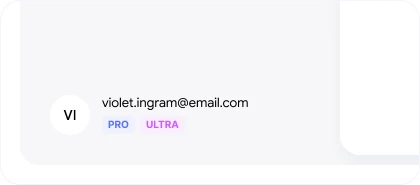
3. Press “Cancel” to cancel your subscription, or press “Reactivate” if you changed your mind 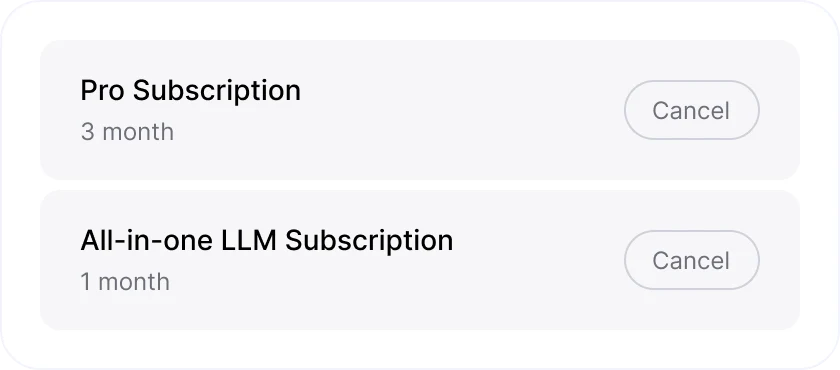
If you have any issues managing your subscription – contact us on support@chatcrafter.ai , usually we answer within 1 business day.

Let's start crafting something great for your life together?
Empower your life and career through AI. Craft smarter workflows, deeper learning, and a better everyday.
Start for free